Homebrew Library
Homebrew Libram
Your homebrew, organized like a proper tome. Treasure, arcana, creatures, character options, and tables — every creation with a real home.
Launch Homebrew Libram ↗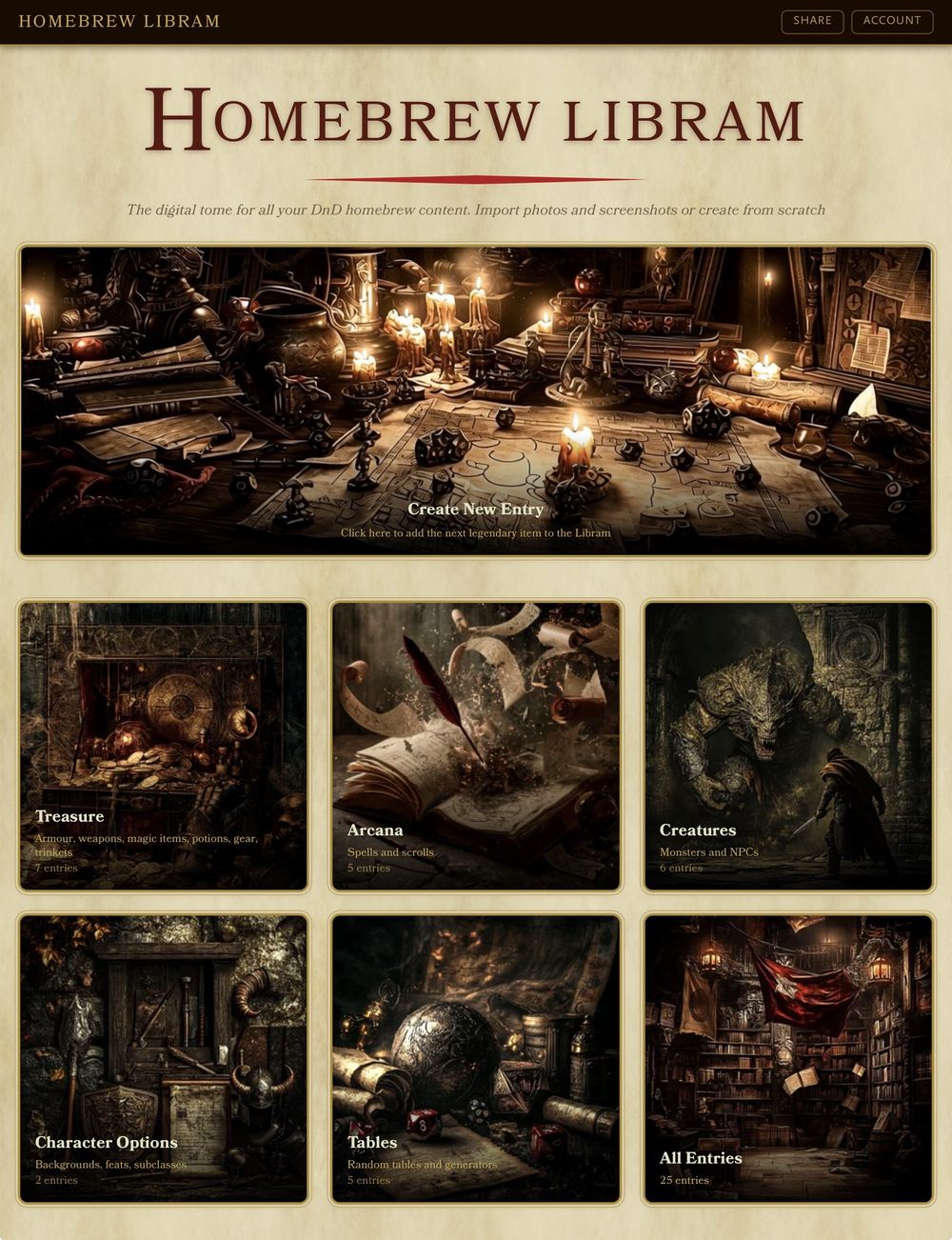
Chapter I
One shelf for everything
Treasure, arcana, creatures, character options, tables — every piece of homebrew content sorted into its own wing of the library, so nothing gets lost in a folder somewhere.
Chapter II
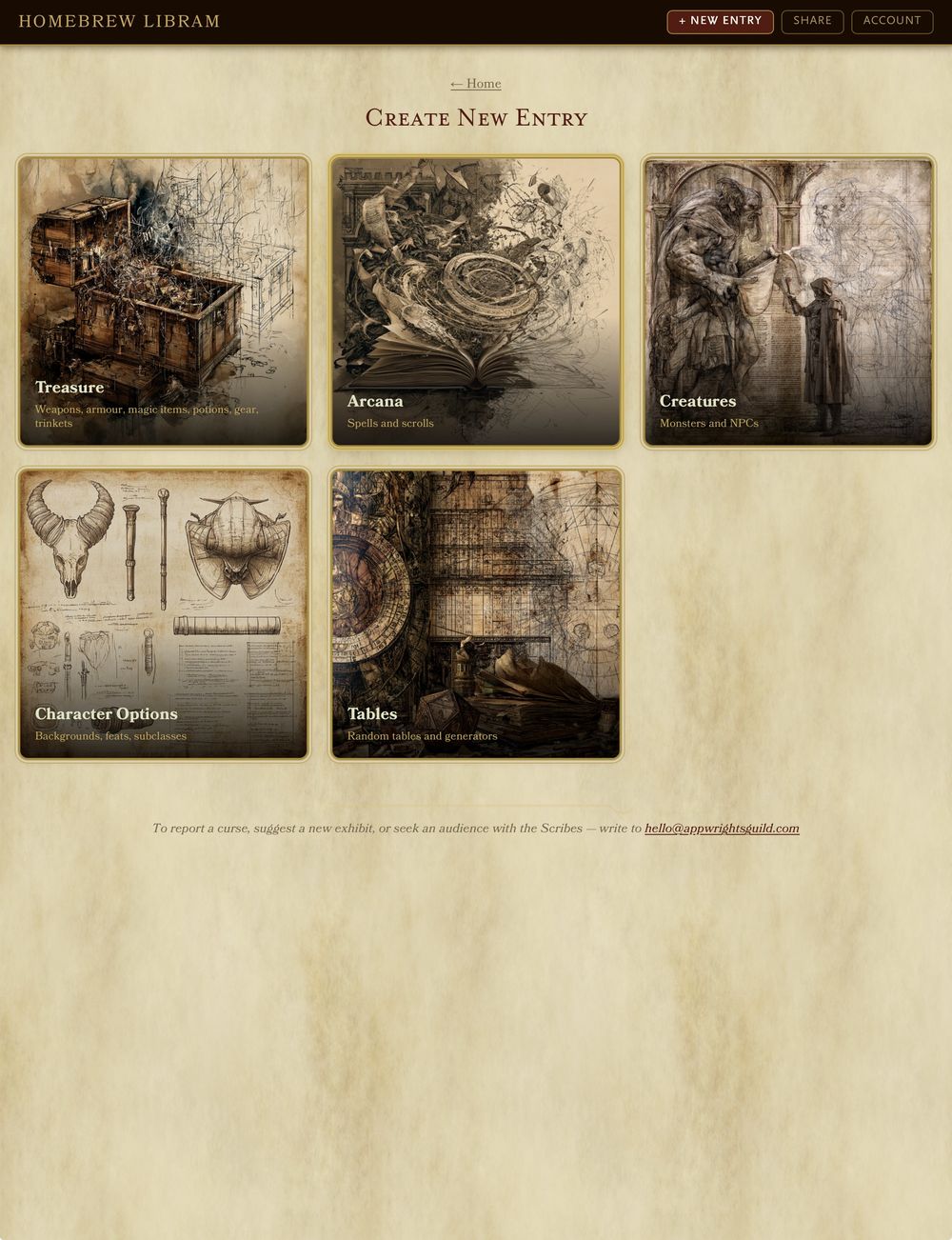
Start a new entry in seconds
Pick a category and start building — the Libram guides you from a blank page to a properly formatted entry.
Chapter III
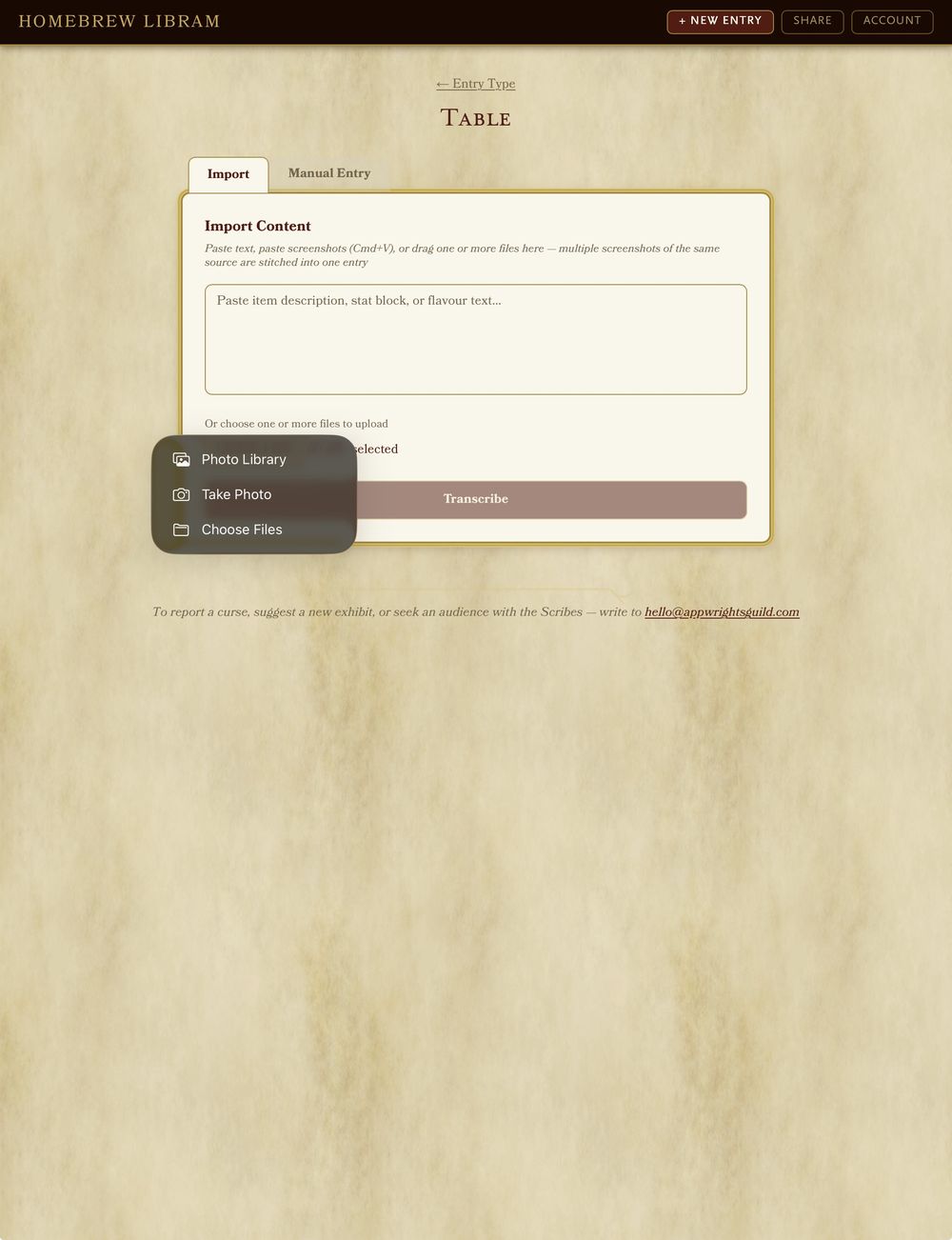
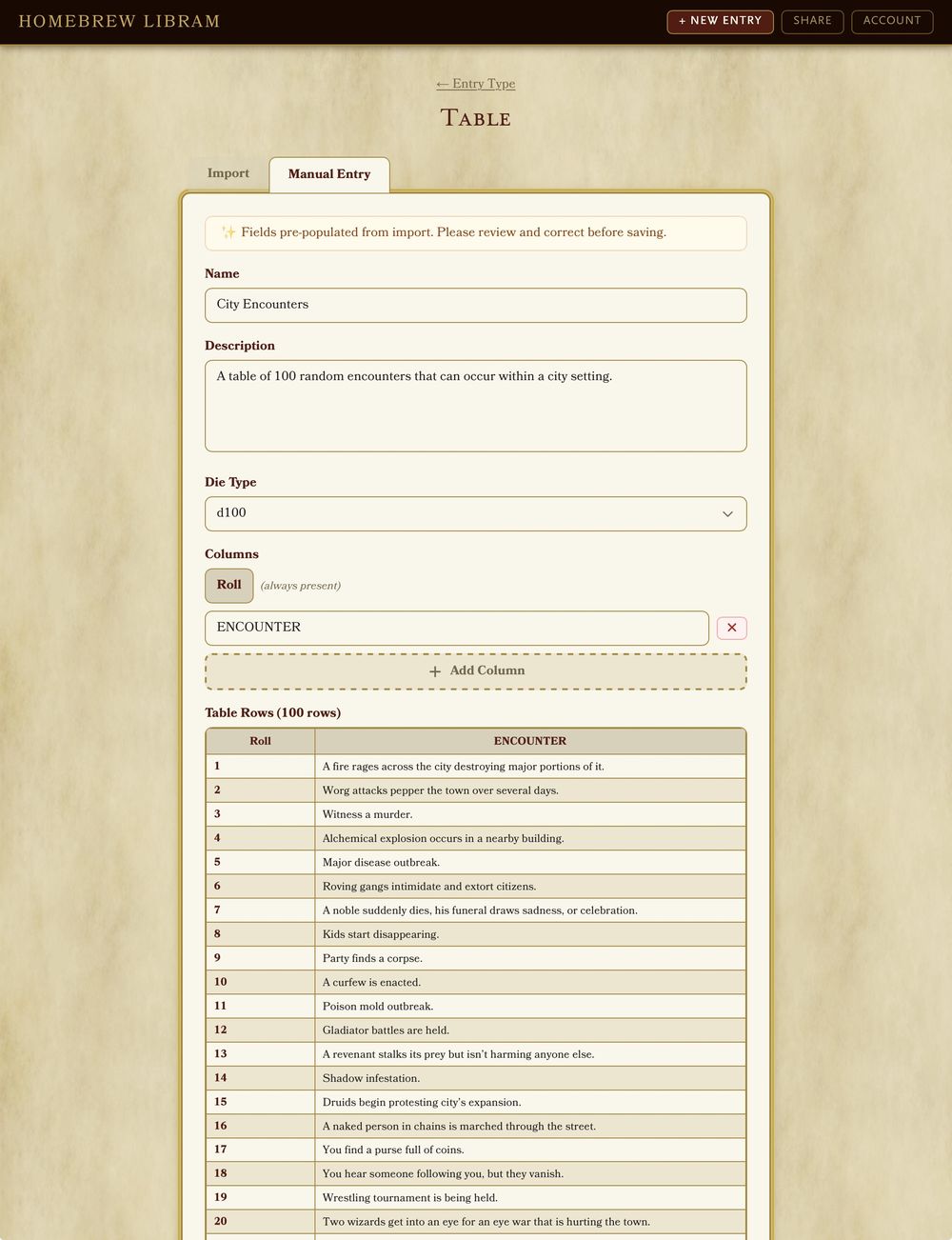
Import it, or write it yourself
Paste a screenshot of a handwritten stat block or homebrew table and let the Libram transcribe it, or fill in the fields yourself — either way, it comes out clean.
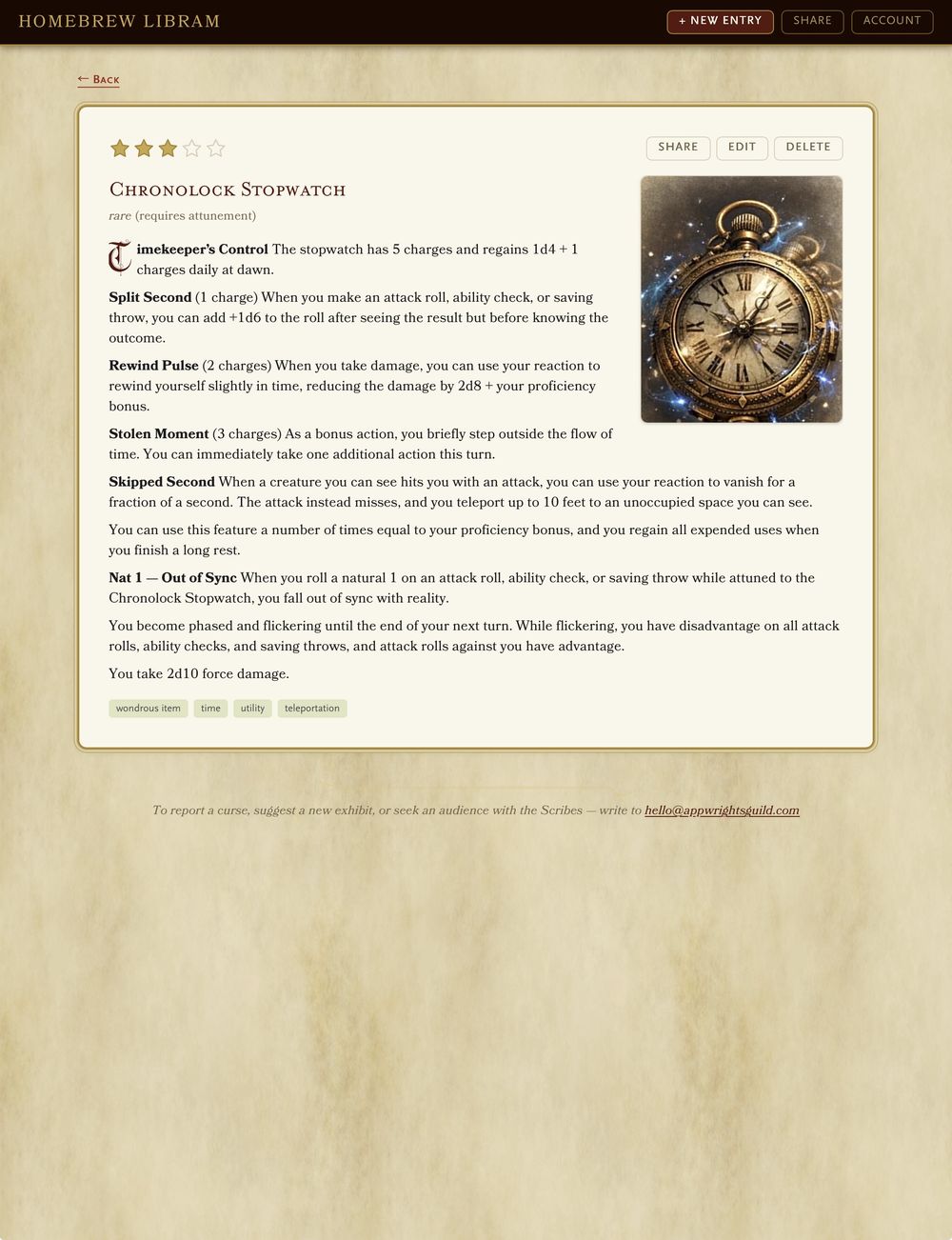
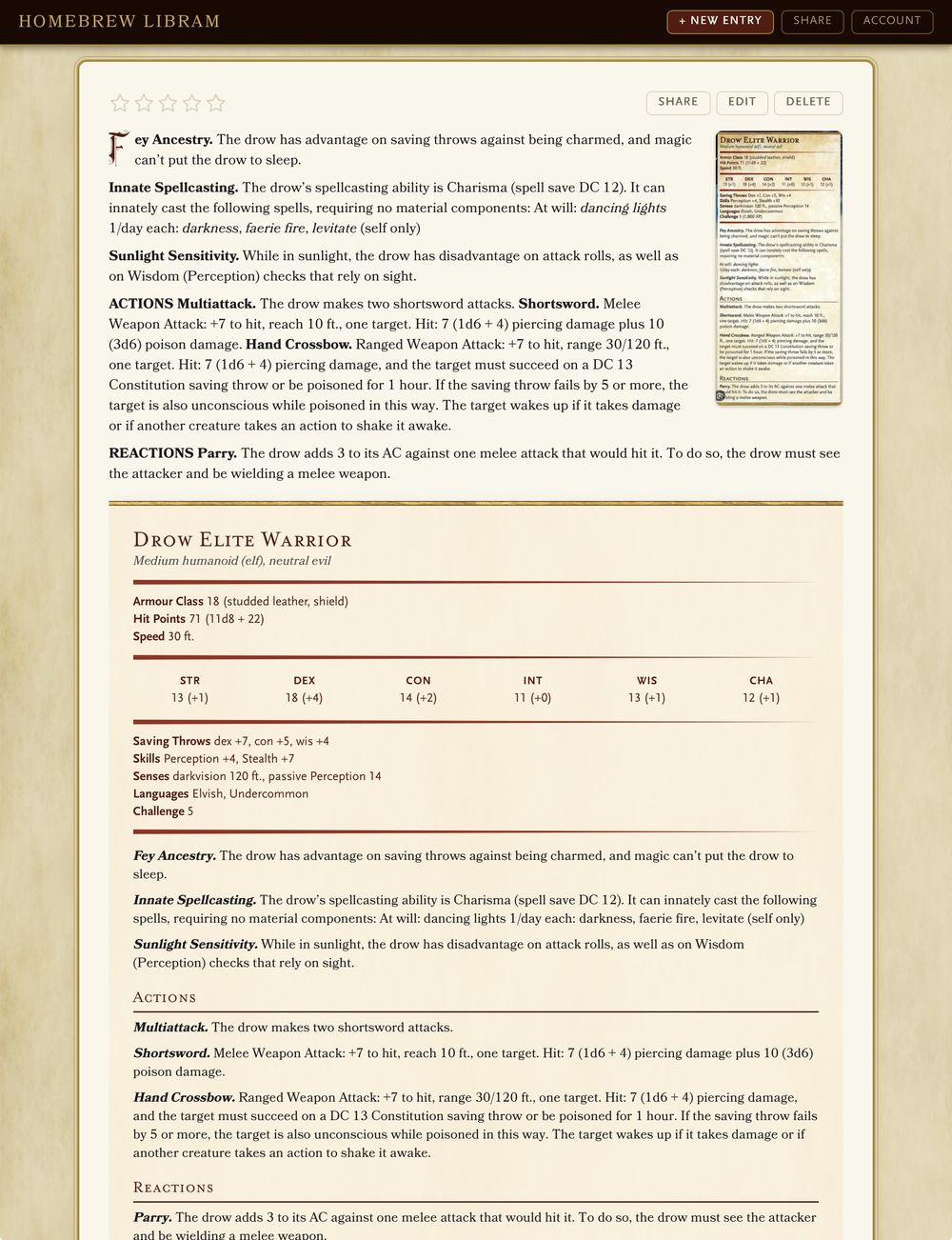
Chapter IV
A proper entry, every time
Random tables, monster stat blocks, magic items — every entry reads like it belongs in an official book, ready to reference at the table.
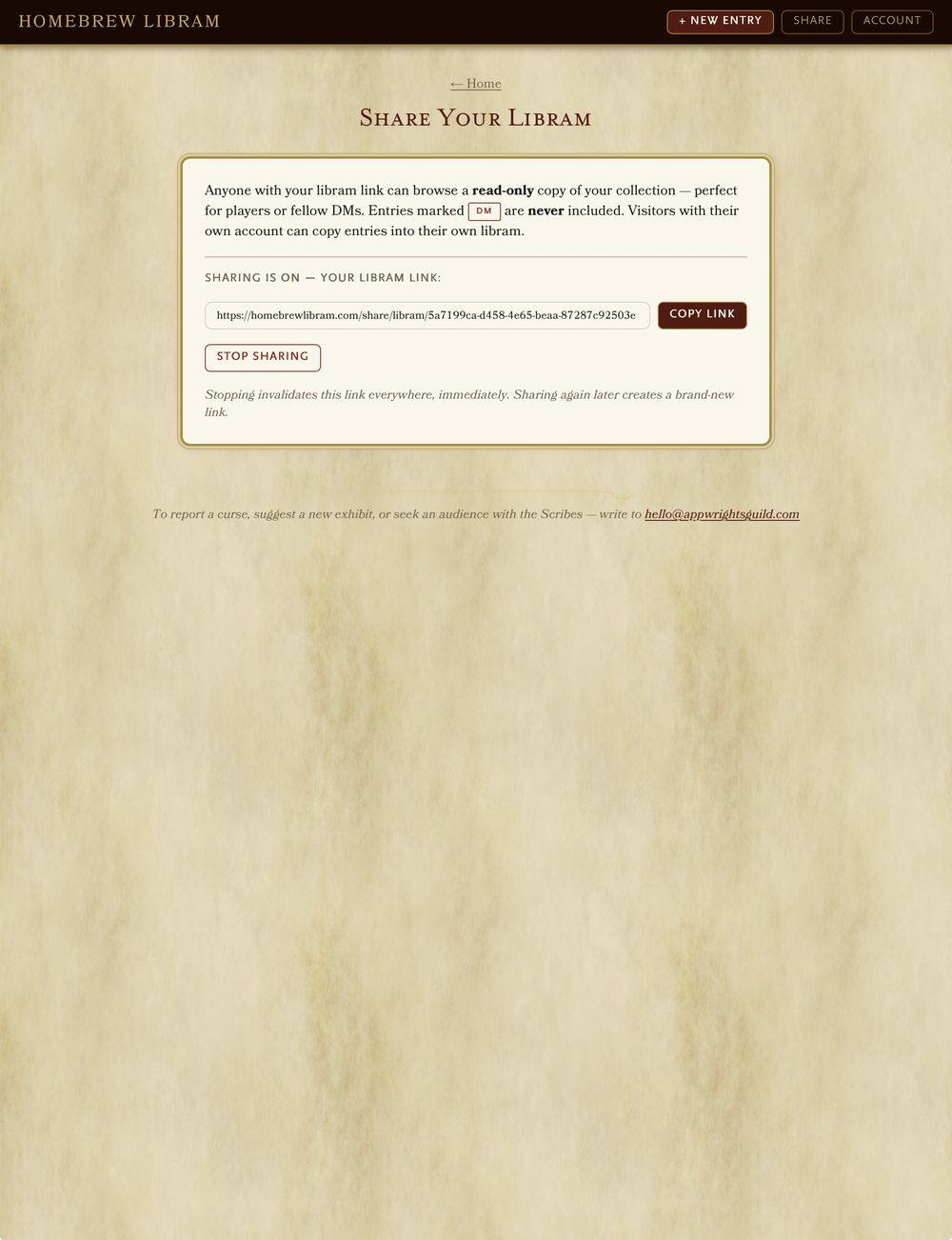
Chapter V
Lend out the tome
Share a read-only copy of your Libram with a single link, so the whole table can browse your canon — without anyone rewriting it.
Questions from the table
The things people ask before they start moving their homebrew in.
Is Homebrew Libram free?
Yes — completely. No ads, no subscription, no limit on how much you can store. It's a hobby project rather than a business.
Do I need an account?
Yes, since your library has to belong to someone and follow you between devices. One login covers both the Libram and PC on Parchment — sign up once and both apps know you.
What kind of homebrew can I store?
Five wings of the library: Treasure (armour, weapons, magic items, potions and misc), Arcana (spells), Creatures (monsters and NPCs), Character Options (backgrounds, feats, subclasses) and Tables (random tables of any size).
Can I share my homebrew with my players?
Yes. You can share a read-only link to a single entry or to your whole Libram, and whoever opens it doesn't need an account. They can read your canon; they can't rewrite it.
Can I import homebrew I've already written?
Paste a photo or screenshot of a handwritten stat block or a table and the Libram transcribes it into a proper entry. You can also type everything in by hand if you'd rather.
Can my homebrew go onto a character sheet?
Yes — connect your Libram to PC on Parchment and you can pull your own magic items, weapons and wondrous gear straight onto a character sheet. Same login, both apps.
What do the finished entries look like?
Entries are laid out in the style of the 5th edition Player's Handbook — proper stat blocks, item entries and random tables that read like they belong in a real book, so you can reference them mid-session without squinting.
Does it work on a phone or tablet?
Yes. It's a web app, so it runs in any modern browser, and you can add it to your home screen so it opens like a normal app. Handy for looking something up at the table.