Campaign Planner
Plot and Weave
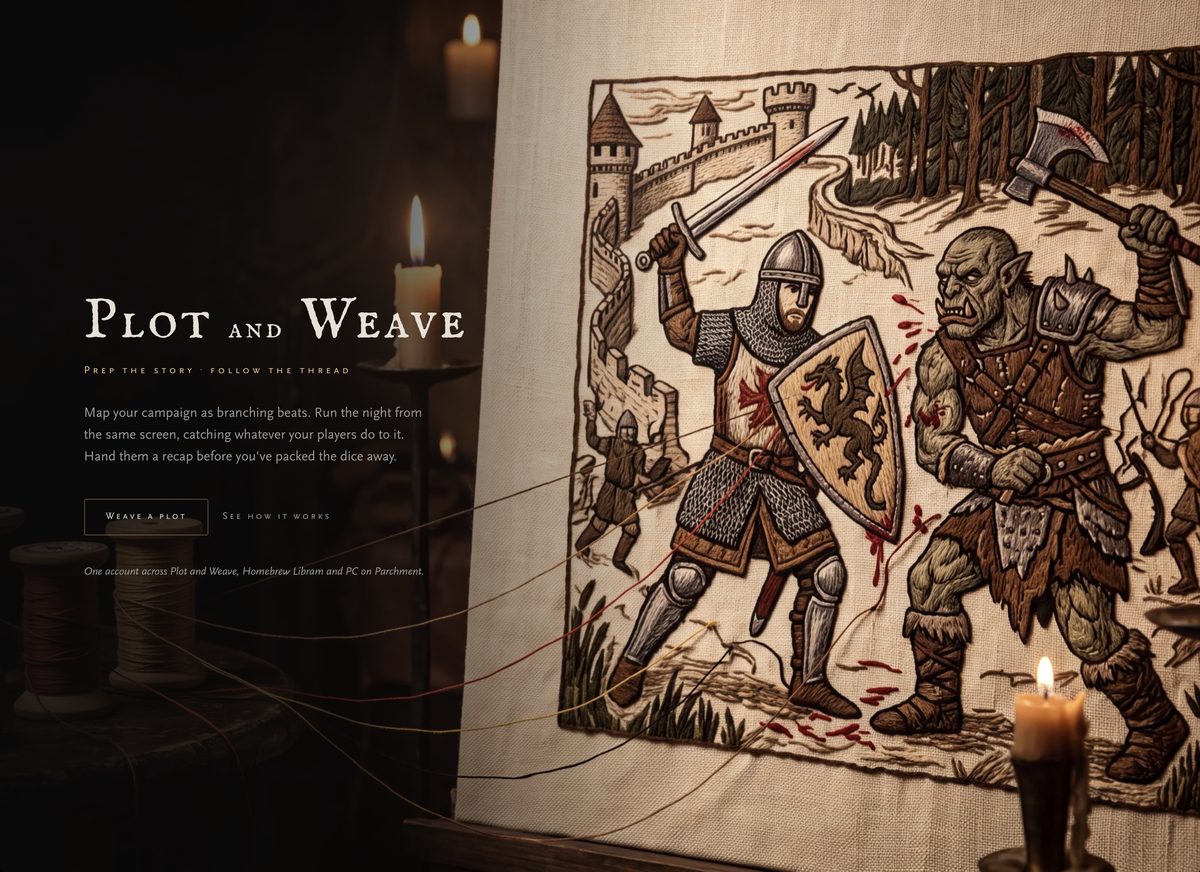
Prep the story, follow the thread. Map your campaign as branching beats, run the night from the same screen, and hand your players a recap before you've packed the dice away.
Launch Plot and Weave ↗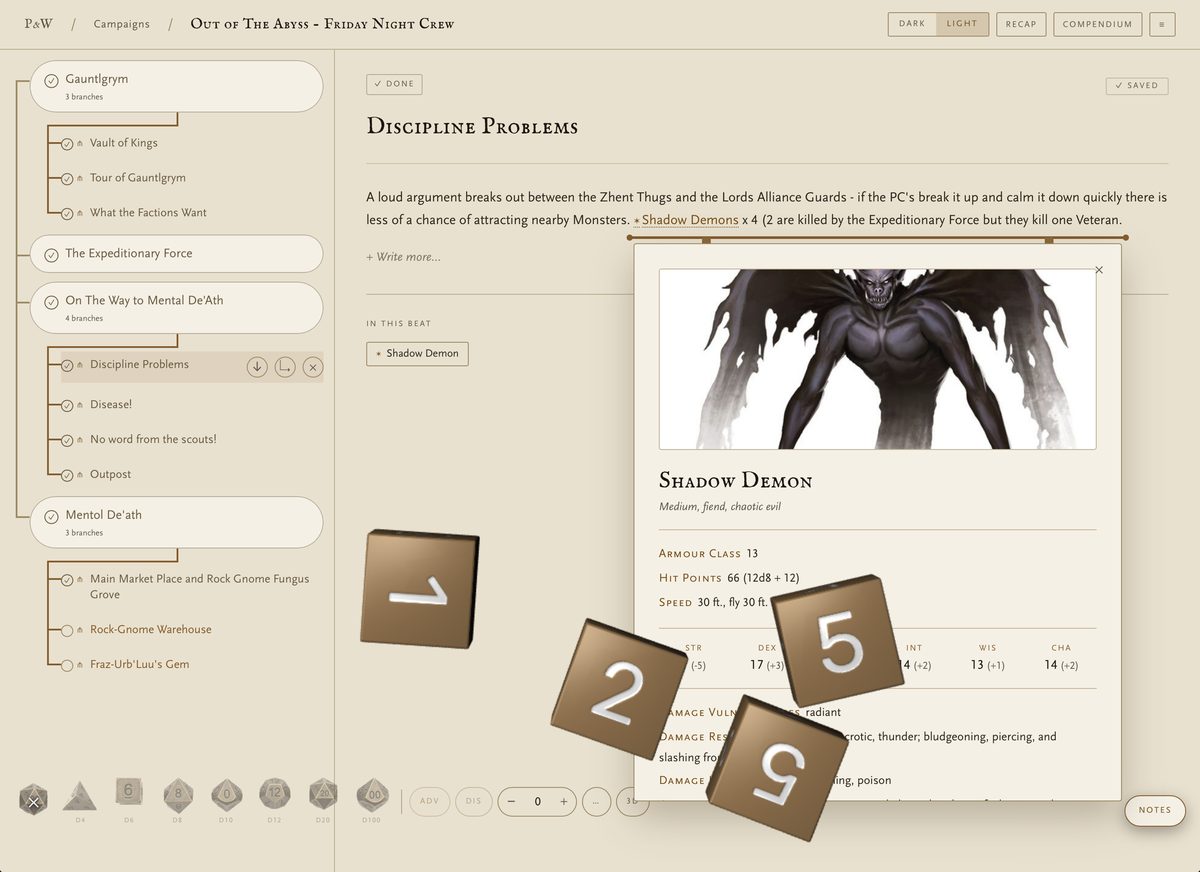
Chapter I
Plot the beats
Lay the campaign out as a branching tree — the road you expect down the trunk, and branches for the night they burn the tavern down instead. Tick beats off as they happen.
Your prep and your table screen are the same screen, so nothing has to be transcribed between planning it and running it.
Chapter II
Every name is a door
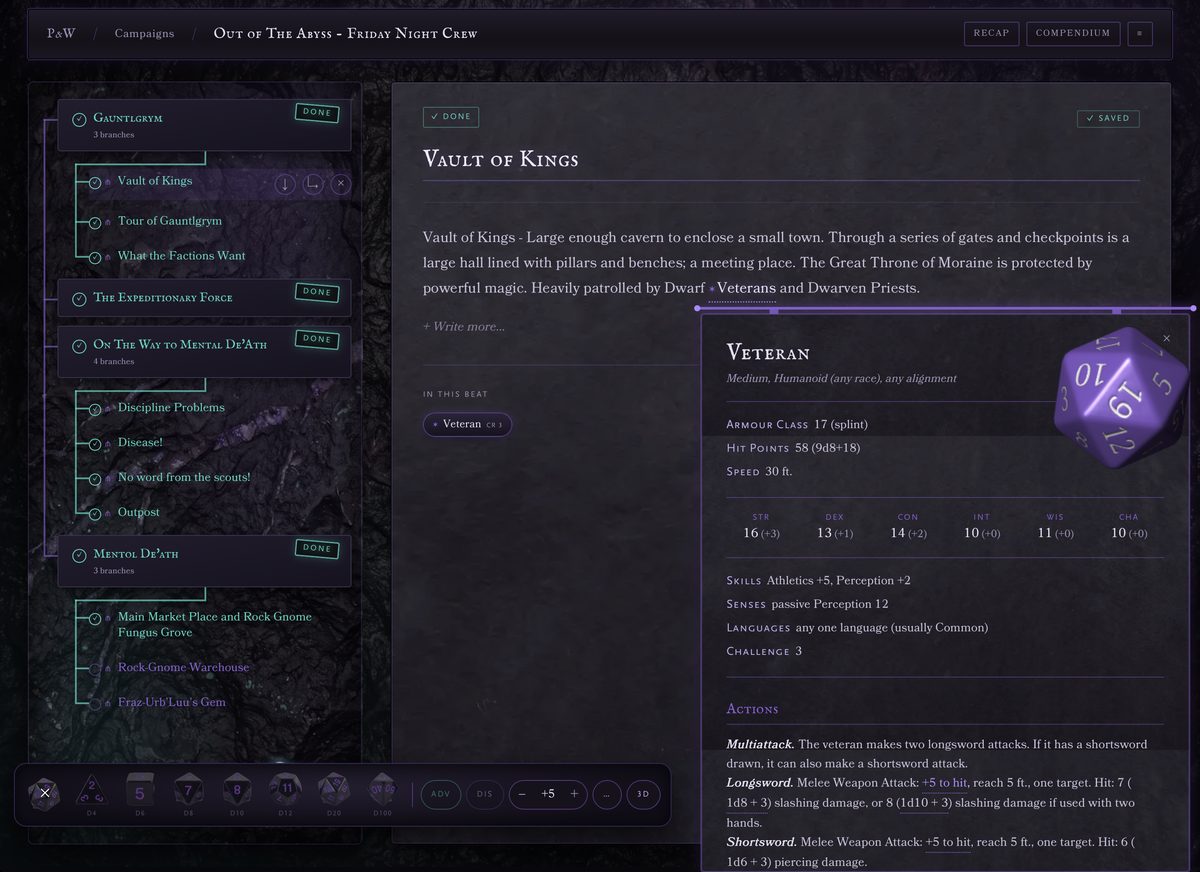
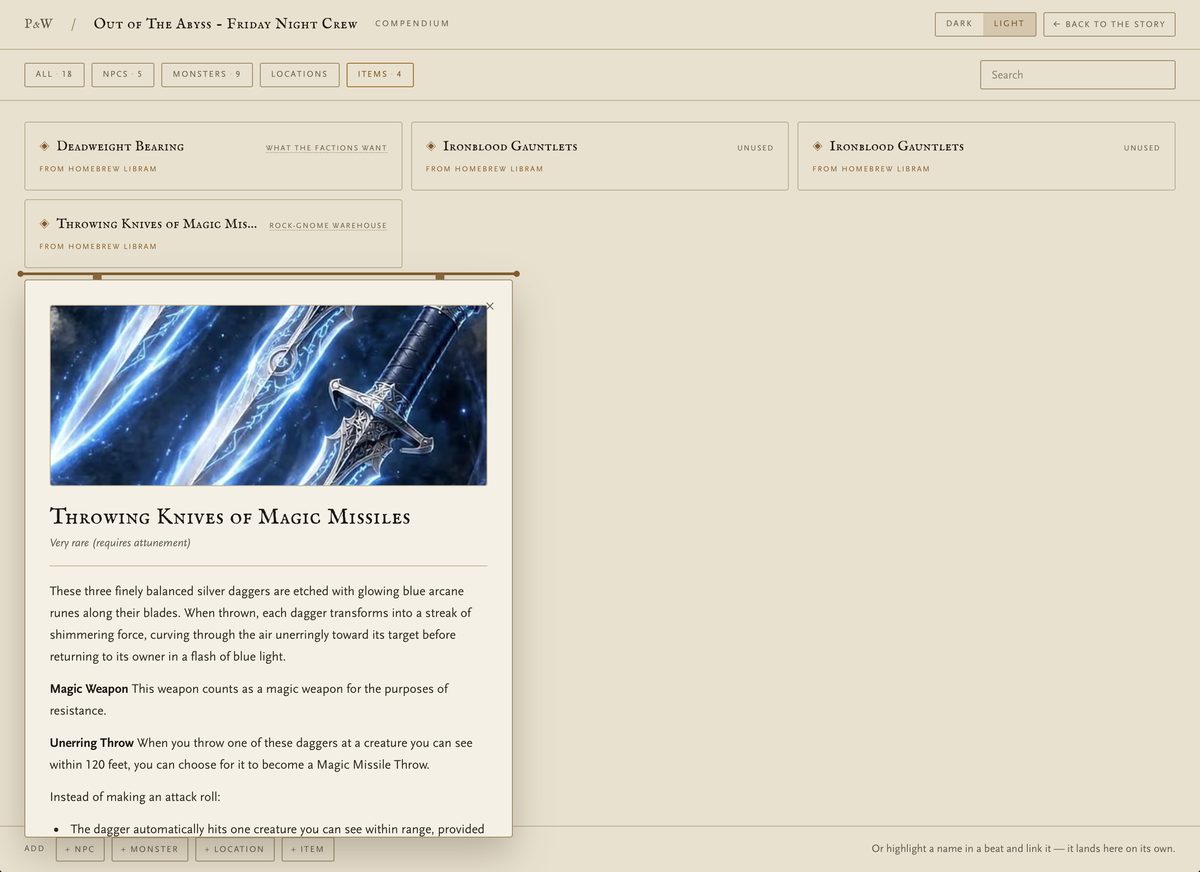
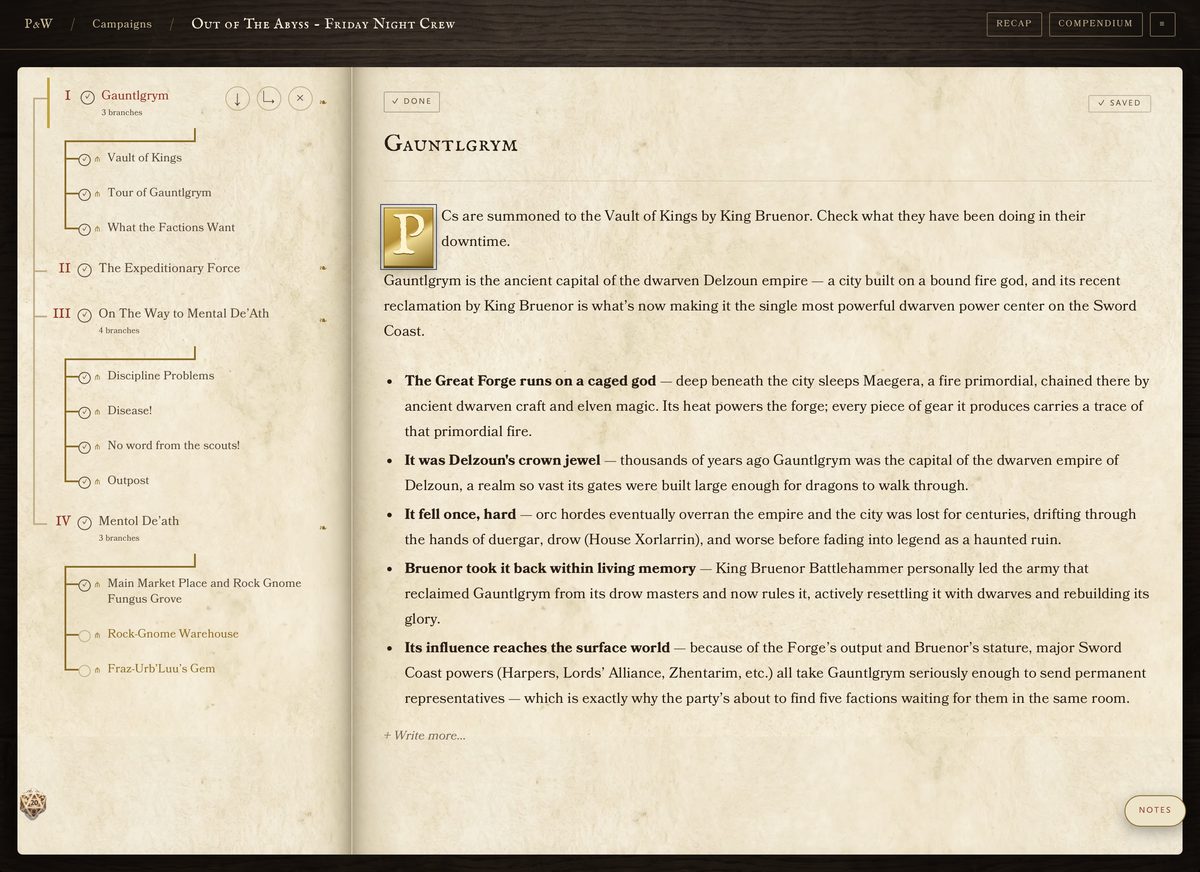
Highlight a name in a beat and link it — an NPC, a monster, a place, an item. It opens its own card right there in the prose, and lands in the campaign compendium on its own without you filing it.
Monsters come from a bundled SRD bestiary, and anything you've written in Homebrew Libram can walk straight into a beat. The numbers on a stat block are live: tap the attack or the damage and it rolls.
Chapter III
Wear it how you like
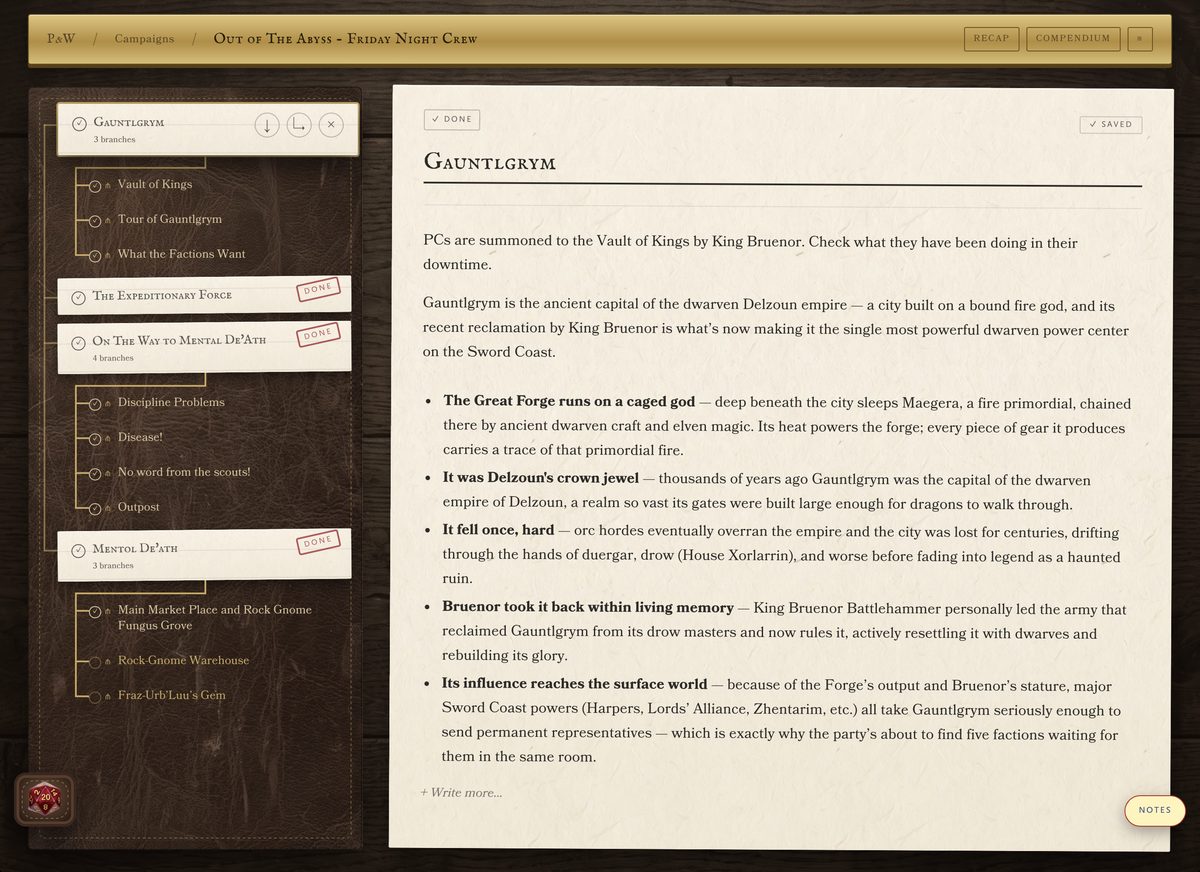
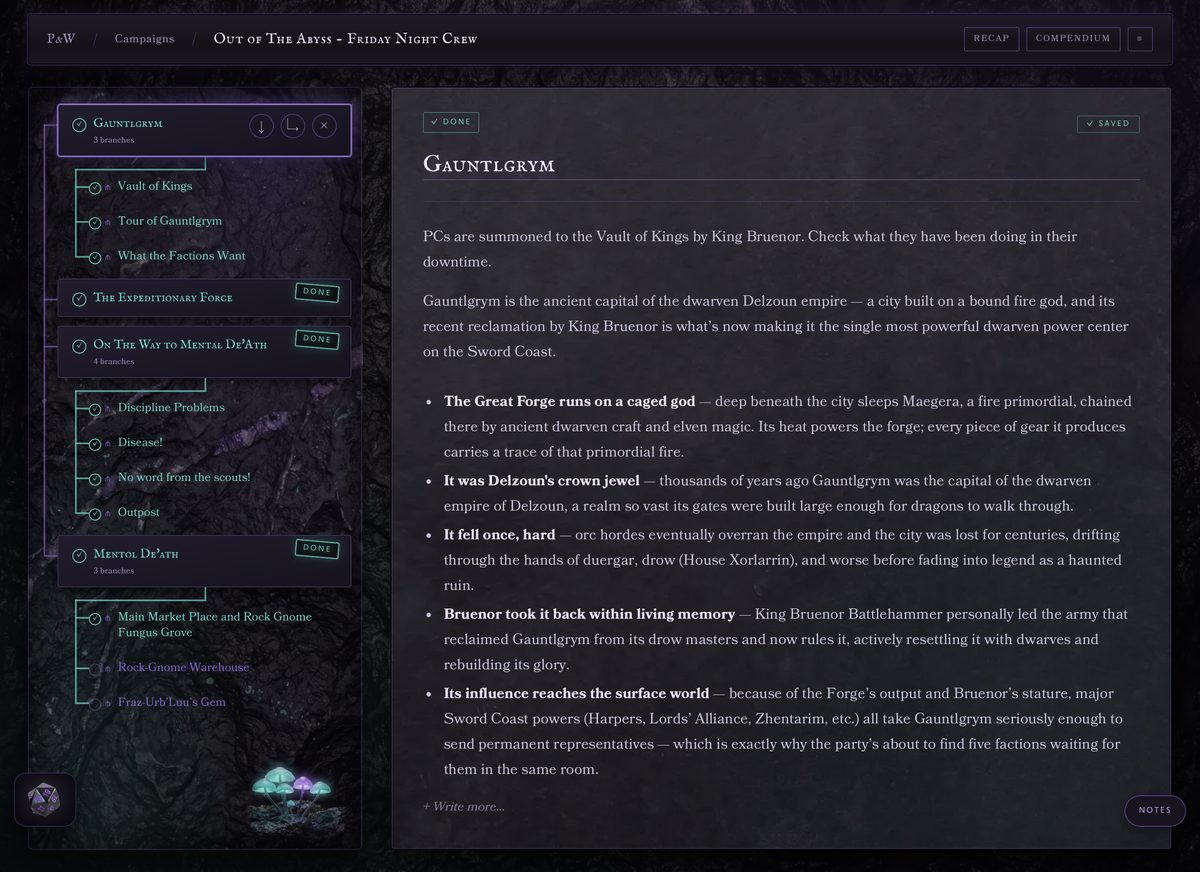
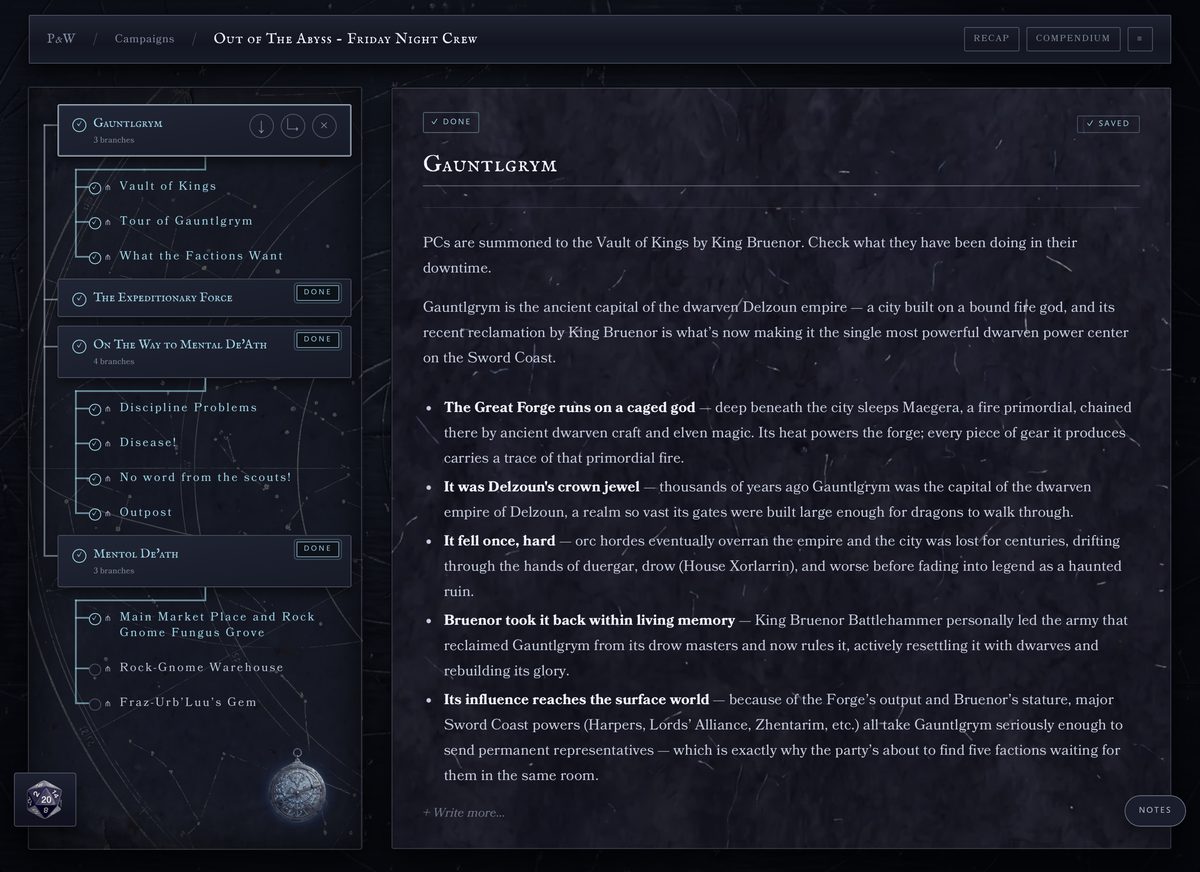
Five skins, chosen per campaign: Ink, The Folio, The Table, The Underdark and The Arcane Tome. An illuminated manuscript for a courtly game, index cards on a leather DM screen, wet cavern rock for one that lives underground, or an indigo star chart with an astrolabe in the corner.
They're clothes on the same skeleton — the layout never changes, so every feature works in every skin, right down to the dice. Dark or light as well, and it stays where you put it rather than following your laptop at sunset.
Chapter IV
Tell the tale
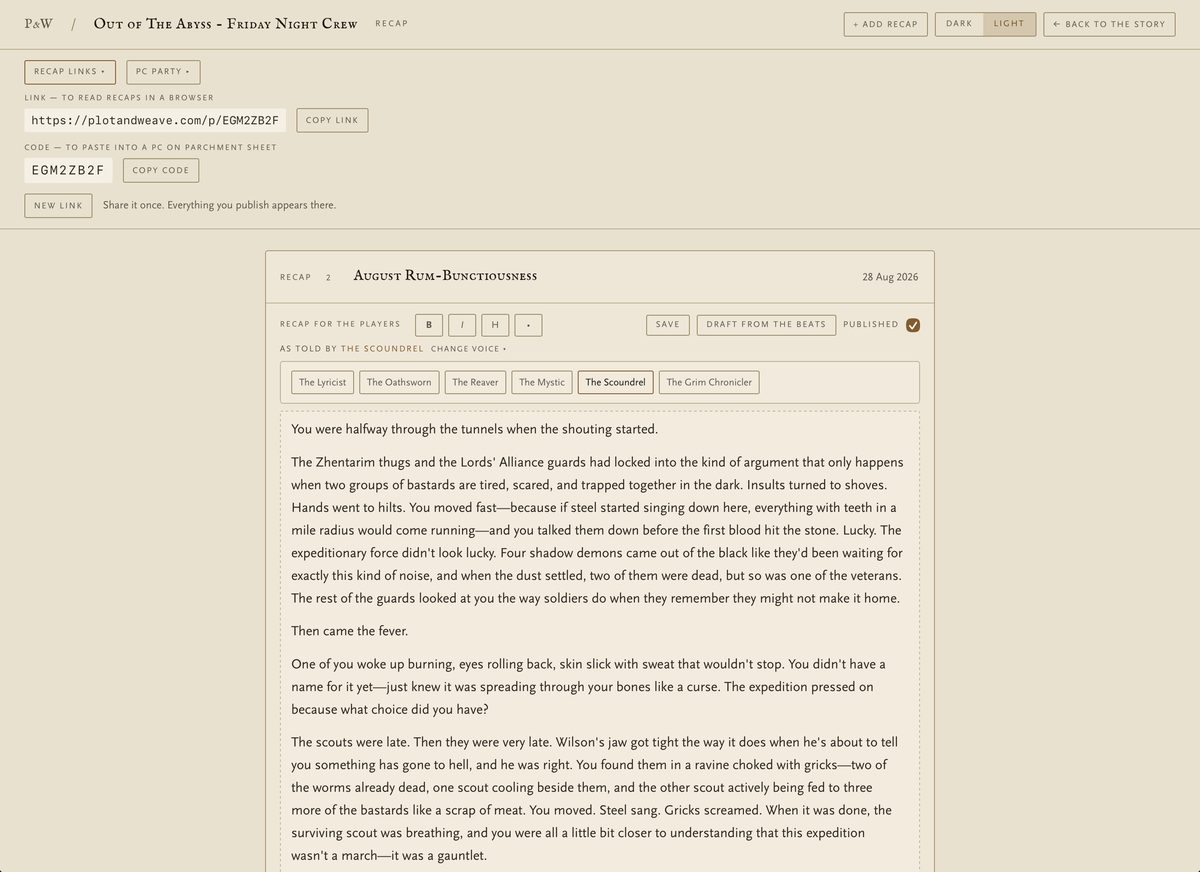
Draft a recap from the beats you actually ticked, then make it yours and publish. Your players get one link for the whole campaign — no account, no app — and every recap you publish appears there.
Six scribes will tell it in their own voice: The Lyricist, The Oathsworn, The Reaver, The Mystic, The Scoundrel and The Grim Chronicler. Your secrets never cross to the player side — names only. And a player on PC on Parchment can paste the campaign code into their sheet and read the recaps from their own notes.
Chapter V
Or take it to the table on paper
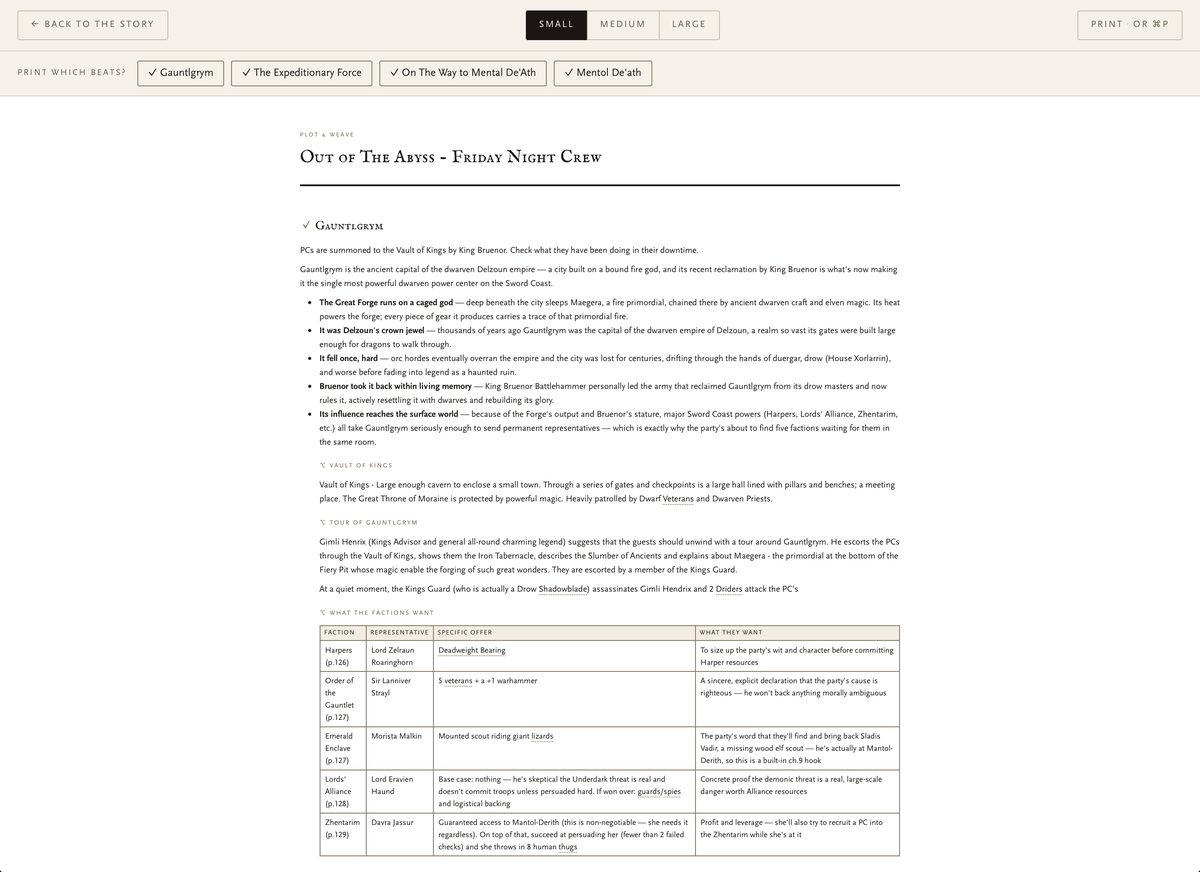
Tick the beats you want, pick a text size, and print. The whole session comes out as a clean document — prose, tables and all — for DMs who'd rather have paper in front of them and a screen for the dice.
Chapter VI
One account, three apps
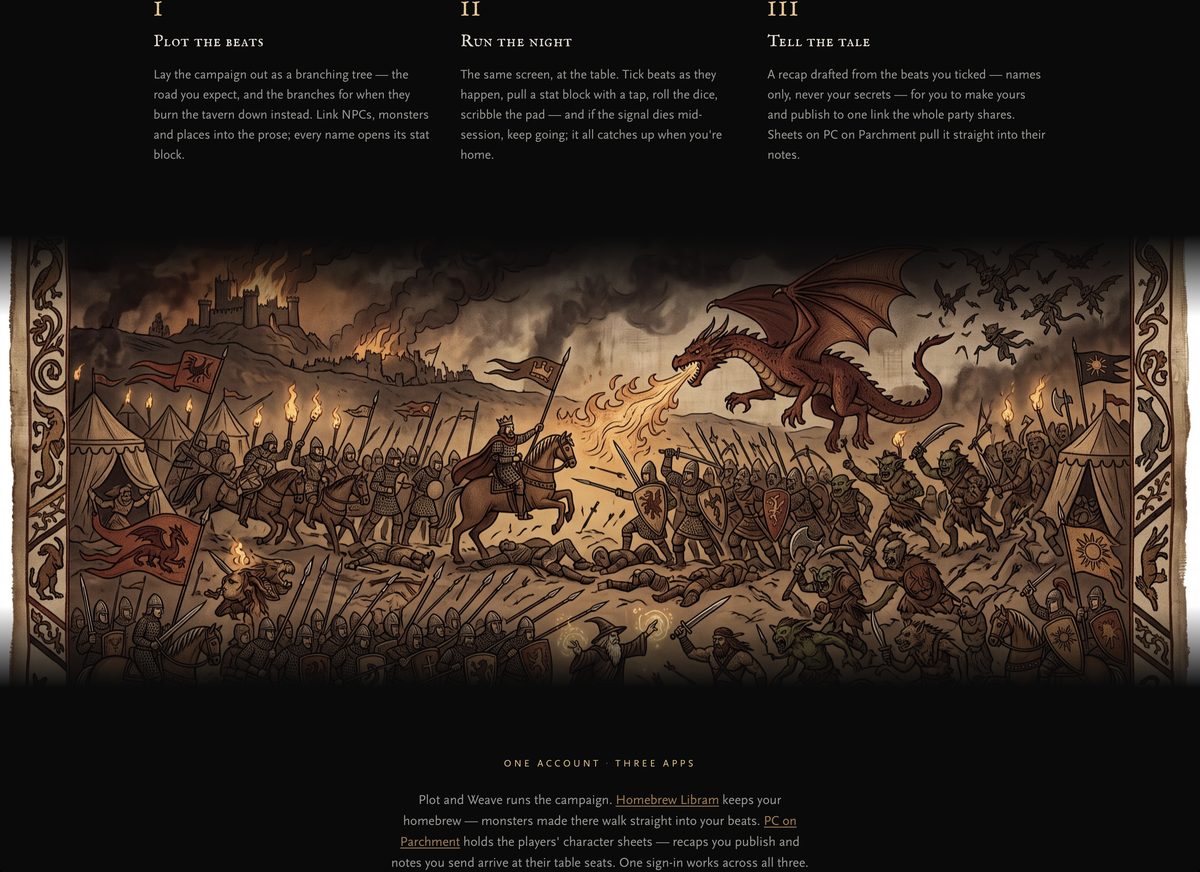
Plot and Weave runs the campaign. Homebrew Libram keeps your homebrew, and monsters made there walk straight into your beats. PC on Parchment holds the players' character sheets, so the recaps you publish arrive at their table seats.
One sign-in works across all three. And if the signal dies mid-session, keep going — it catches up when you're home.
Questions from the table
The things DMs ask before they move a campaign into it.
Is Plot and Weave free?
Yes — no ads, no subscription, no cap on campaigns. It's a hobby project rather than a business.
What is it actually for?
Planning and running a campaign. You map the story as branching beats, link the NPCs, monsters and places into the prose, run the session off the same screen, and publish a recap for your players afterwards.
Do my players need an account?
No. They get one link for the campaign and everything you publish appears there — no sign-up, no app, and it works on a phone.
Can I use my own homebrew?
Yes — connect your Homebrew Libram and your own monsters, items and NPCs can be linked into a beat like anything else. There's a bundled SRD bestiary for everything you haven't written yourself.
Can I roll dice in it?
Yes. There's a dice tray from d4 to d100 with advantage, disadvantage and modifiers, and the numbers on a stat block are live — tap an attack or a damage roll and it goes.
What are the skins?
Five looks for the same workspace — Ink, The Folio, The Table, The Underdark and The Arcane Tome — chosen per campaign. The layout doesn't change between them, so every feature works whichever you're wearing.
What happens if the wifi drops mid-session?
Keep going. Changes queue up locally and sync when you're back on a connection, which matters rather a lot in a cellar with one bar of signal.
Can I print my prep?
Yes — choose which beats to include and a text size, and it prints as a clean document. Print to PDF if you'd rather carry it on a tablet.